



| Format | Direct Download | Mirror Download |
|---|---|---|
| 📦 FBX | ⬇️ Download | |
| 🧊 OBJ | ⬇️ Download | |
| 🧊 STL | ⬇️ Download | |
| 🏗️ 3DS Max (.max) | ⬇️ Download |
Gaming Mouse 3D Model
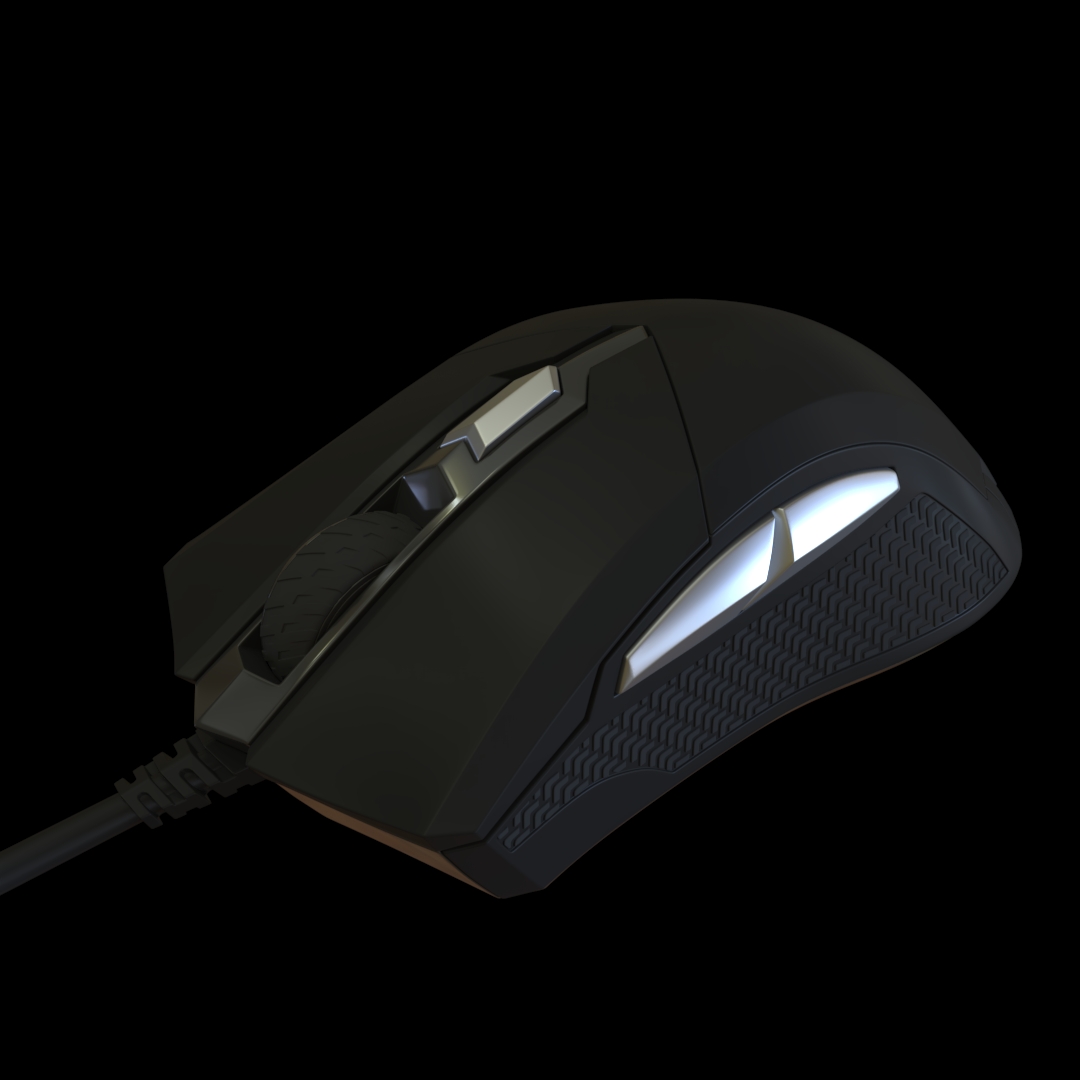
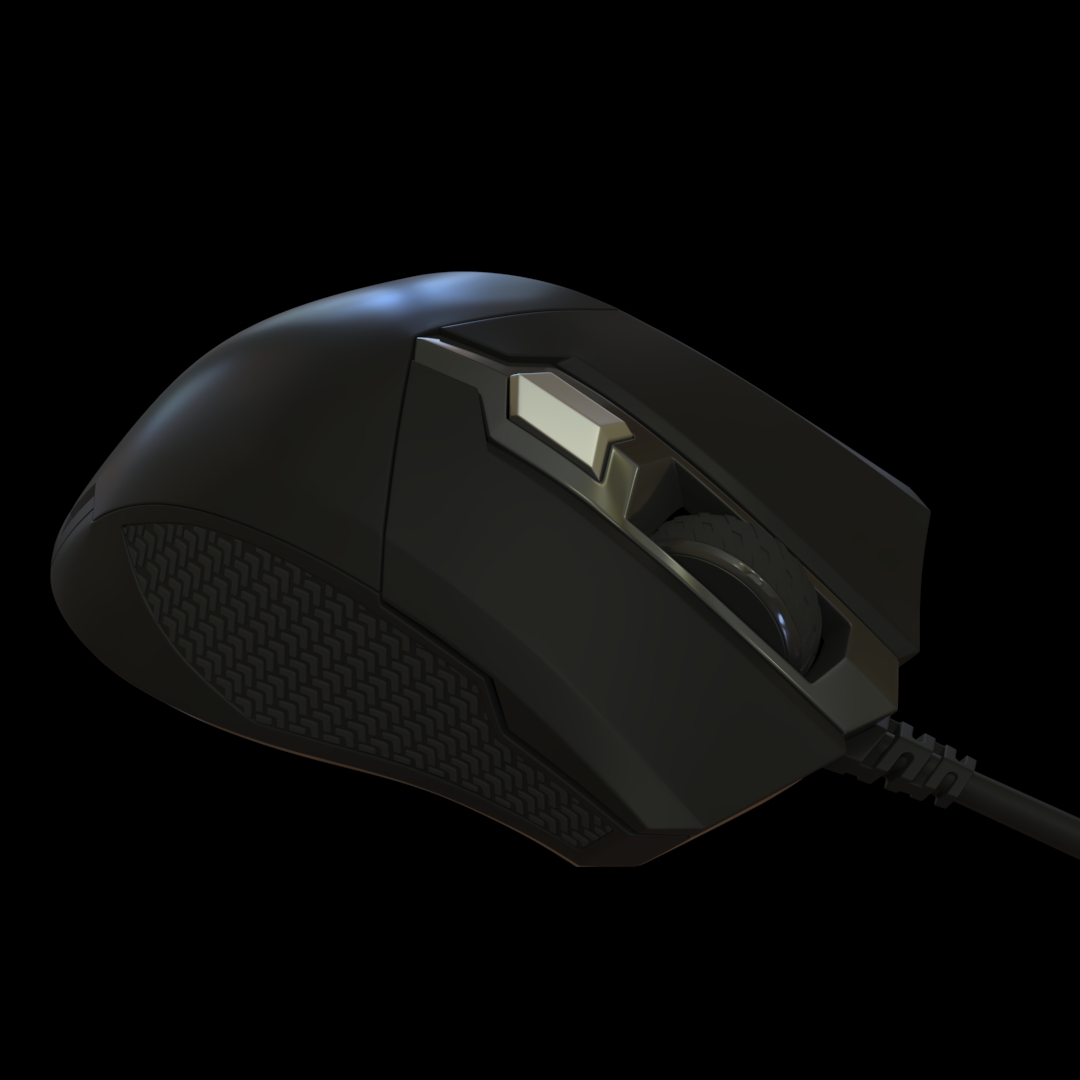
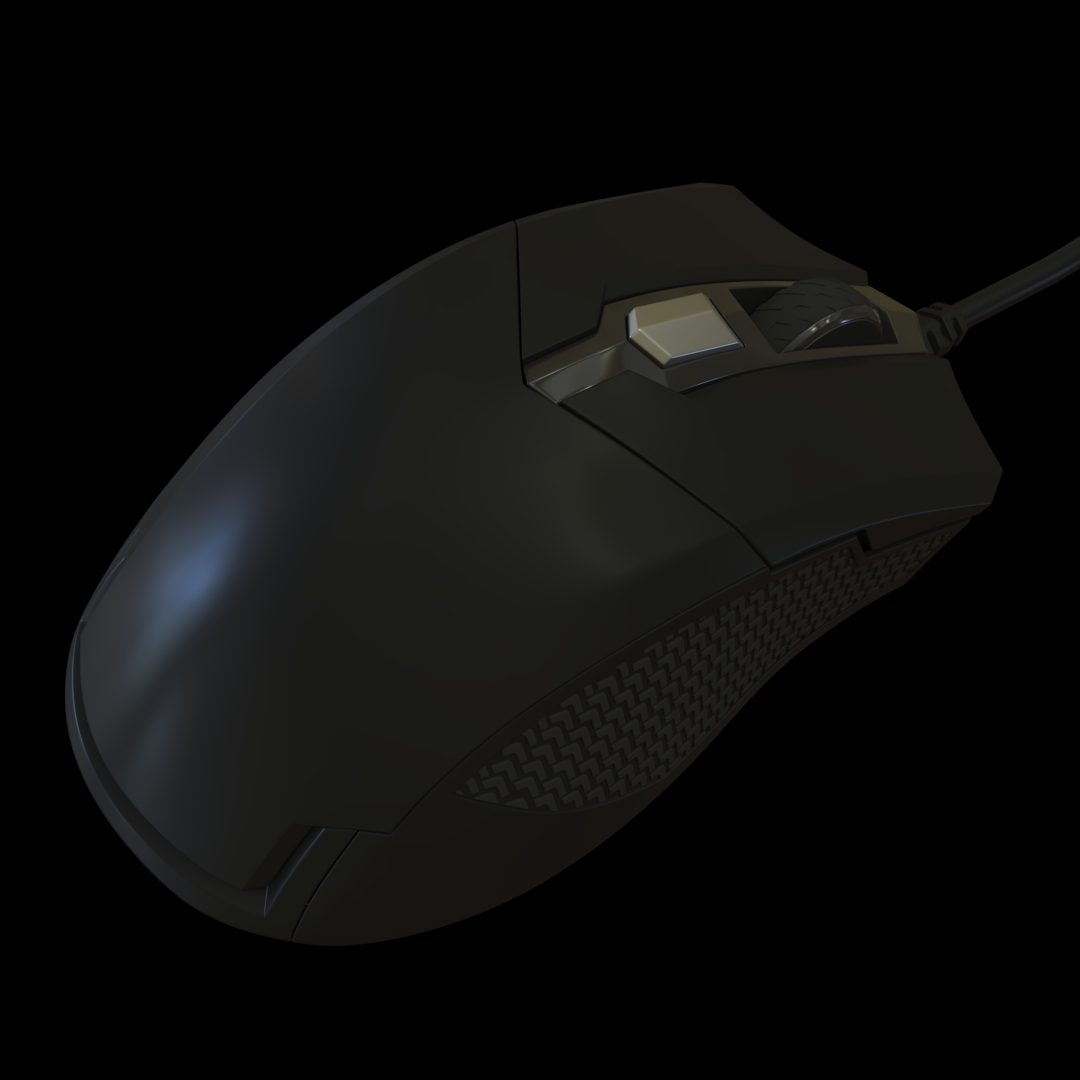
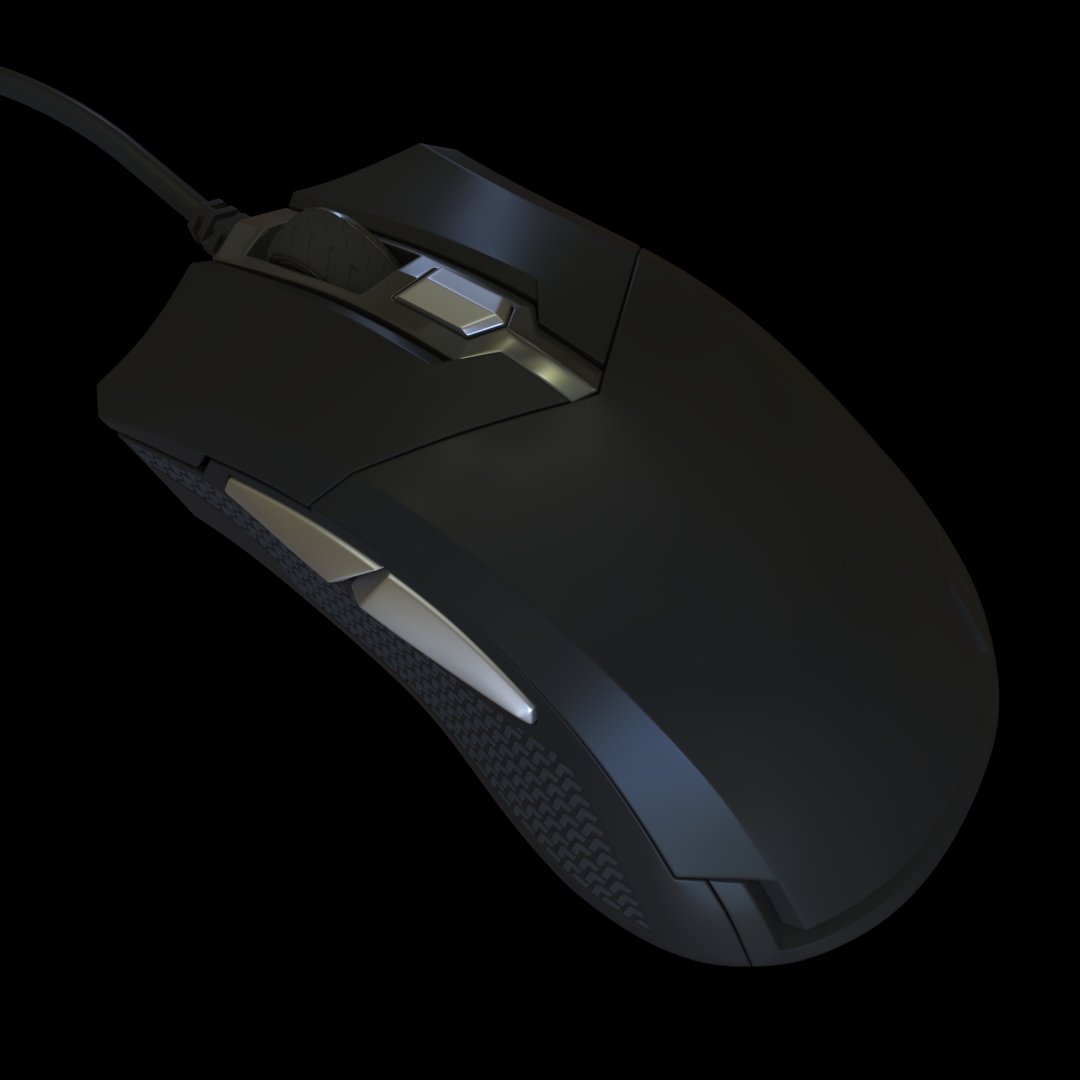
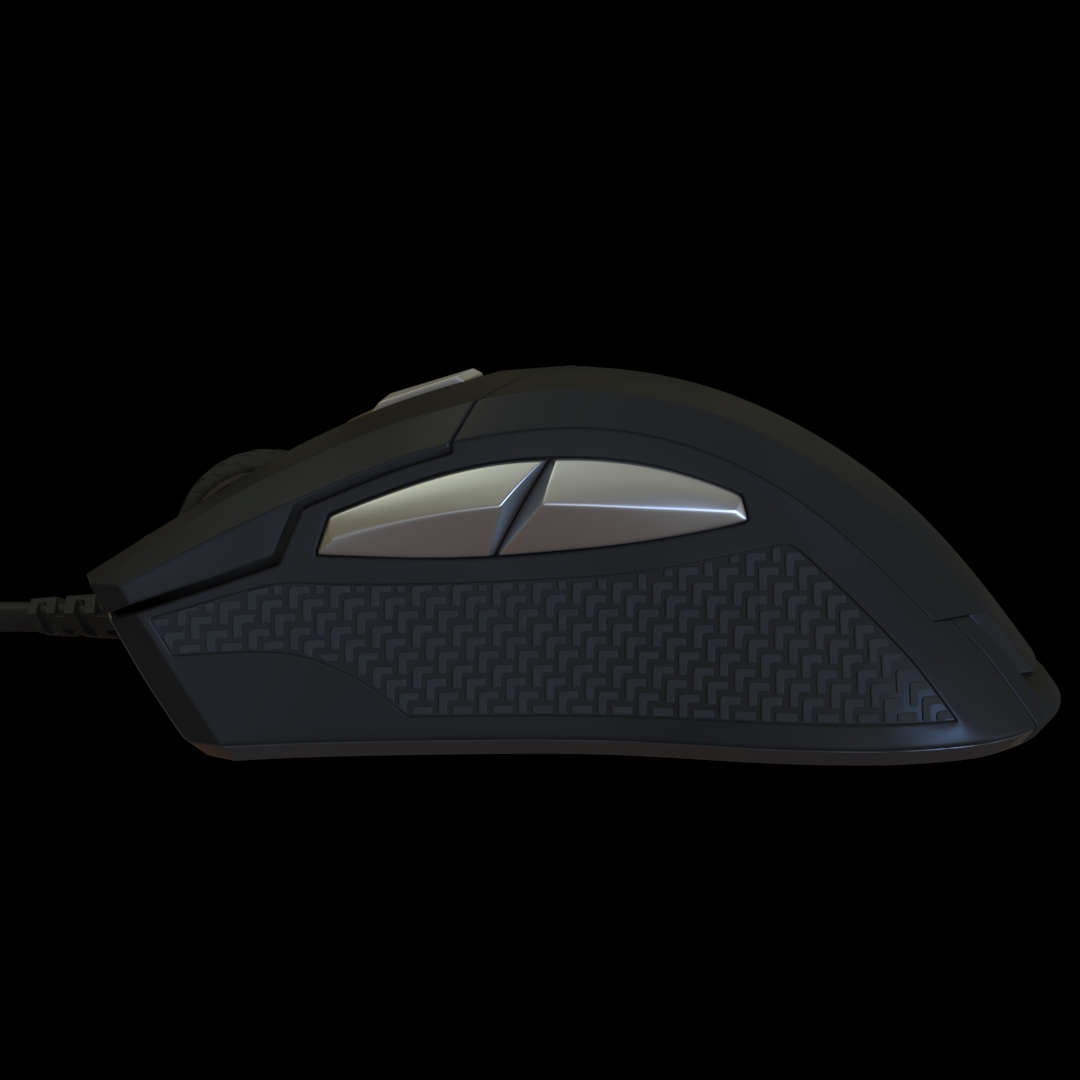
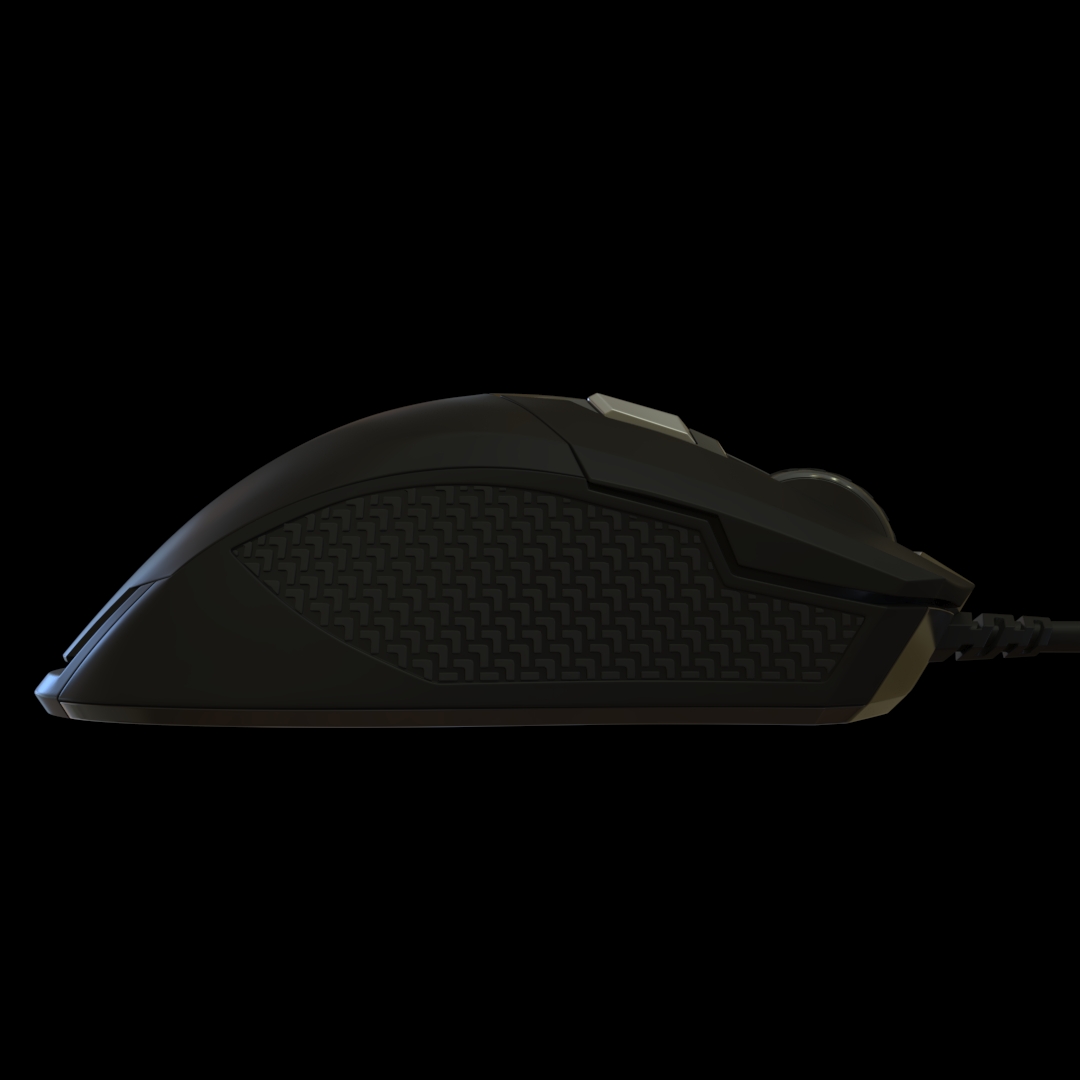
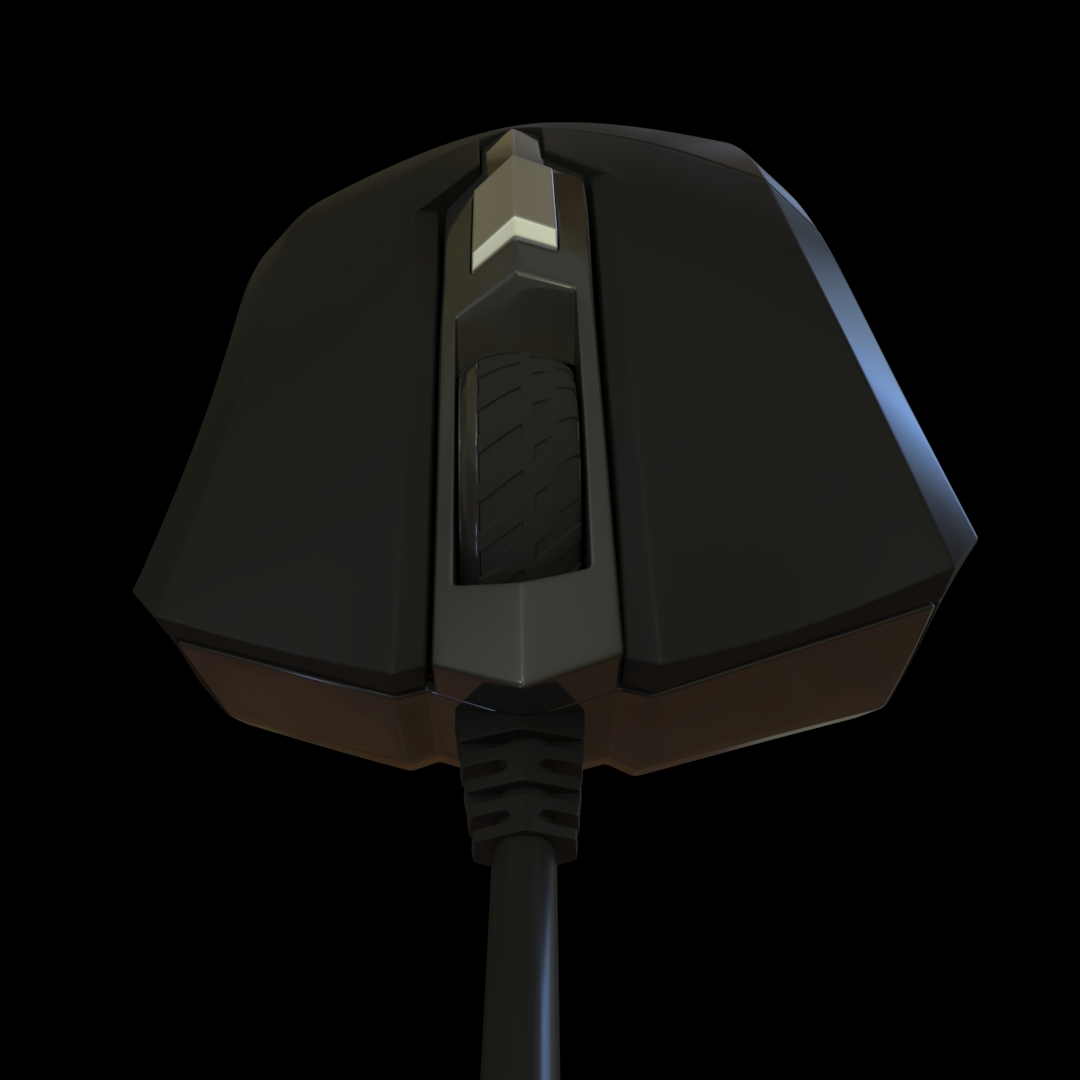
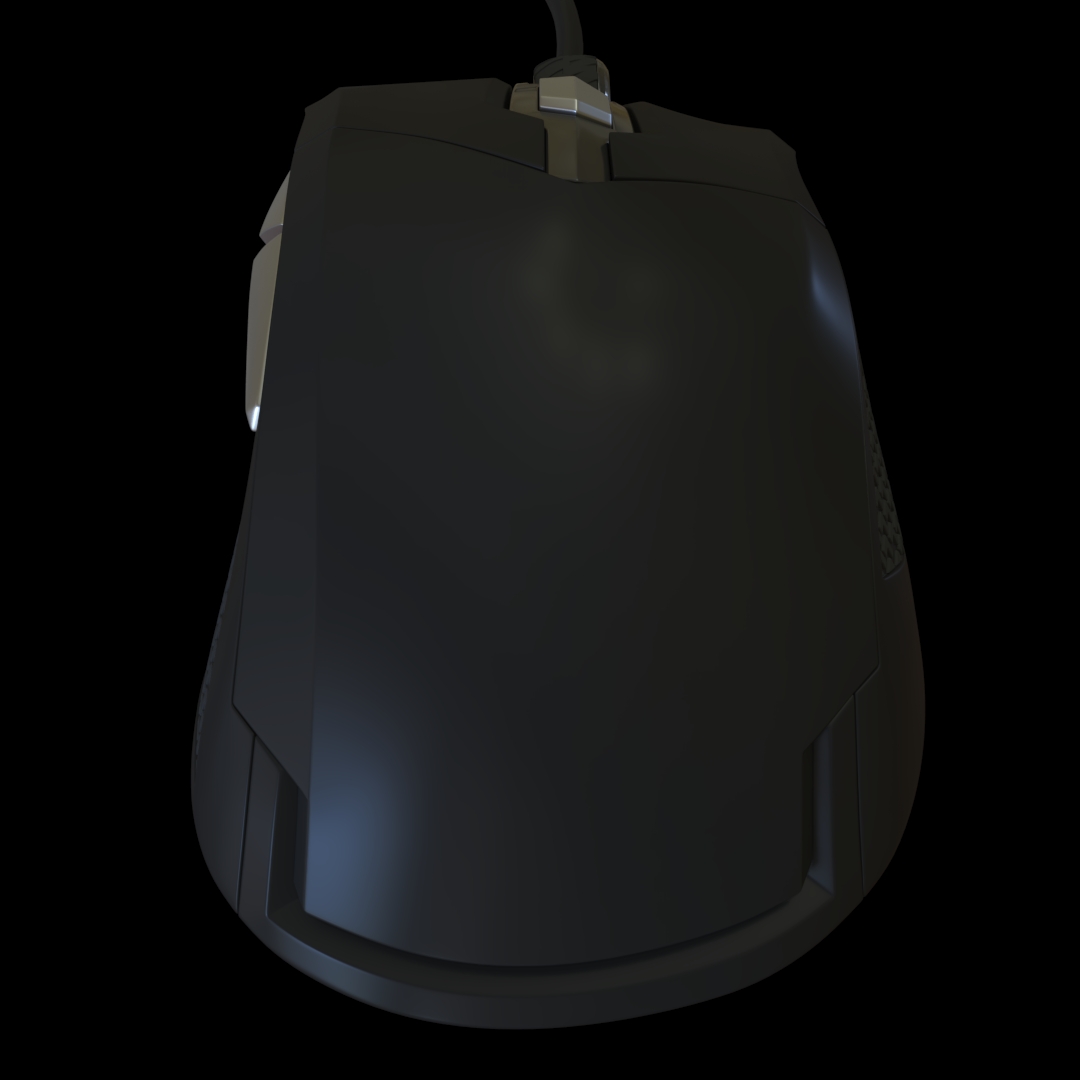
Bring a modern computer peripheral into your digital scenes with this Gaming Mouse 3D Model. Designed as a recognizable piece of gaming hardware, this asset can be used in desktop environments, computer workstations, hardware showcases, gaming rooms, esports spaces, product renders, animation projects, and interactive 3D scenes.
A computer mouse may be a relatively small object, but it plays an important role in establishing the identity of a modern workstation. When placed beside a keyboard and monitor, it immediately communicates the presence of an interactive computer system. This makes a gaming mouse 3D model useful not only for hardware-focused projects but also for detailed environmental scenes.
Modern Peripheral for Gaming Hardware Scenes
Gaming peripherals are an important part of contemporary computer hardware culture. A dedicated gaming mouse can visually distinguish a gaming workstation from a conventional office desk and can help establish a performance-oriented computer environment.
Use the model together with a gaming keyboard, monitor, mouse pad, desktop computer, headset, and other peripherals. These components can be arranged into a complete workstation for renders, game environments, promotional artwork, or technology presentations.
Desktop Arrangement and Composition
The relatively compact size of a mouse gives artists considerable freedom when composing a scene. It can be positioned next to a keyboard for a natural workstation arrangement, placed partially over a mouse pad, or presented separately as the central object of a hardware-focused composition.
For wider interior scenes, the model can remain a subtle detail on a desk. For close-up renders, the mouse can instead become the primary subject, allowing the camera to focus on its shape, proportions, surface details, and overall industrial design.
Product Rendering and Commercial Scenes
This Gaming Mouse 3D Model can be used in product visualization projects where computer peripherals are presented individually or as part of a larger hardware collection. A clean background, controlled lighting, and carefully selected camera angle can turn the model into a suitable subject for a technology-oriented product composition.
The asset can also be incorporated into advertising concepts, promotional artwork, hardware comparison scenes, digital catalogs, and technology presentations. When combined with additional gaming hardware, it can represent a complete peripheral ecosystem.
Computer Room Environmental Detail
Detailed environments often depend on small objects to create a convincing sense of scale and usage. A mouse on a desk can suggest that a workstation is actively used, particularly when it appears alongside a keyboard, monitor, chair, and other desktop equipment.
The model can therefore be placed inside bedrooms, offices, computer laboratories, gaming rooms, study areas, internet cafés, technology stores, and other environments containing computer workstations.
Esports and Competitive Gaming Spaces
Gaming mice are strongly associated with competitive computer gaming and esports. The model can be used to populate individual workstations in tournament rooms, training facilities, gaming centers, and fictional competitive gaming environments.
Multiple instances can be distributed across a row of desks to create a larger computer area. Other hardware assets can then be introduced to give every workstation a consistent visual configuration.
Virtual Reality and Digital Environments
Computer peripherals can also contribute to virtual and interactive environments where realistic technology objects are required. This model can be placed inside offices, laboratories, futuristic rooms, cyber-themed environments, or other digitally constructed spaces.
For game artists, environmental designers, and 3D artists, small hardware assets such as a mouse can provide additional context without requiring major changes to the overall scene structure.
Animation and Visual Storytelling
A gaming mouse can also function as a storytelling object in animation. A close-up of a computer desk can use the mouse as one of several visual clues that establish the location as a gaming or technology-focused workspace.
It can appear in product animations, hardware presentations, short films, motion graphics, game cinematics, technology advertisements, and other projects where computer equipment forms part of the visual narrative.
Useful for Different 3D Production Workflows
The Gaming Mouse 3D Model can be integrated into a broad range of 3D production workflows. It can function as a standalone object in a product scene or as one component within a much larger environment containing furniture, electronics, lighting, and architectural elements.
This flexibility makes the asset suitable for artists working on visualization, animation, game development, advertising, concept design, and virtual environments.
Scene Ideas
- Competitive gaming workstation
- Professional esports room
- Home gaming desk
- Modern computer office
- Technology showroom
- Computer hardware advertisement
- Gaming equipment product render
- Internet café environment
- Streaming workstation
- Futuristic computer laboratory
- Game development environment
- Technology-themed interior
- Hardware presentation scene
- Virtual workstation
Combine With Gaming Hardware
For a more complete scene, combine this mouse with complementary assets such as a mechanical gaming keyboard, monitor, gaming chair, computer case, headset, speakers, mouse pad, and gaming desk. These elements can be arranged according to the scale and composition of the environment.
A complete workstation can be used as a hero composition for a product render, while the same collection of assets can populate a larger gaming room or esports environment.
Computer Peripheral for Modern 3D Scenes
This Gaming Mouse 3D Model provides a practical way to introduce recognizable computer hardware into a digital environment. Its small footprint allows it to work effectively as both a supporting prop and a primary subject.
Whether it is used in a detailed hardware render, a modern computer room, an esports environment, a game level, an animated technology presentation, or a virtual workspace, the model can add another layer of realism and context to the scene.
For 3D artists building collections of modern technology assets, a gaming mouse is also a useful complementary model that can be combined with other computer peripherals and furniture to create complete, visually consistent digital workspaces.




Reviews
There are no reviews yet.