




| Format | Direct Download | Mirror Download |
|---|---|---|
| 📦 FBX | ⬇️ Download | |
| 🧊 OBJ | ⬇️ Download | |
| 🧊 STL | ⬇️ Download | |
| 🏗️ 3DS Max (.max) | ⬇️ Download |
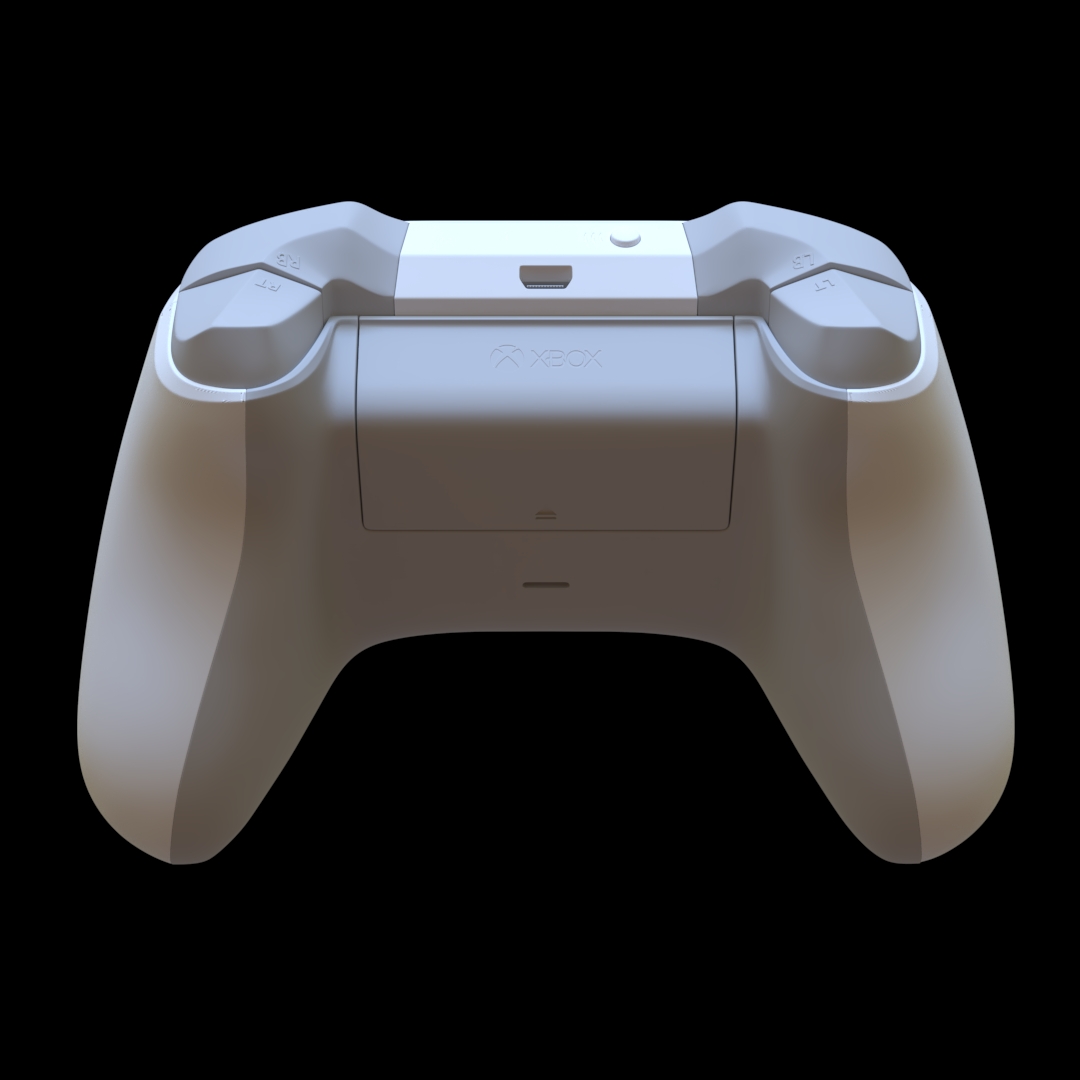
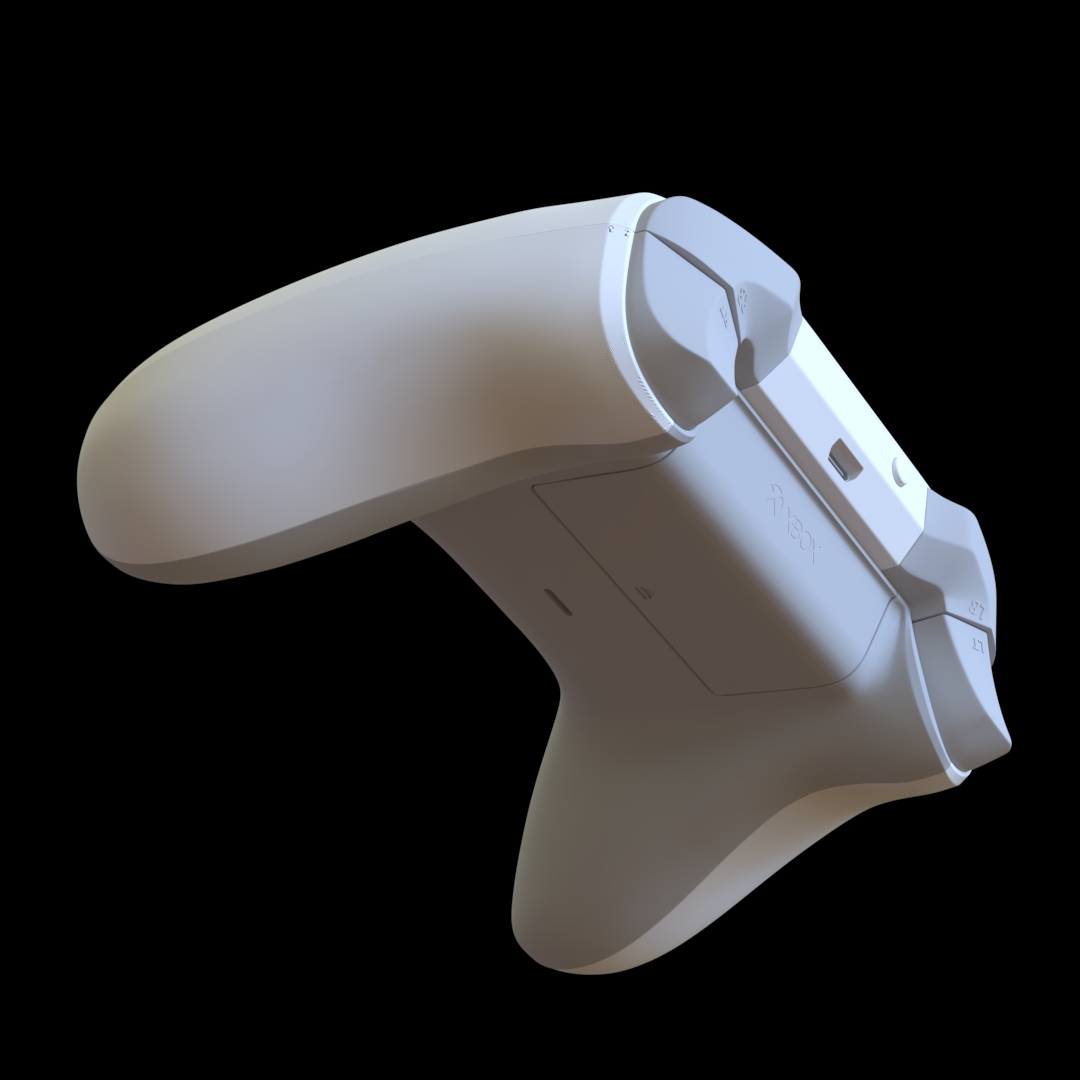
Xbox Game Controller 3D Model
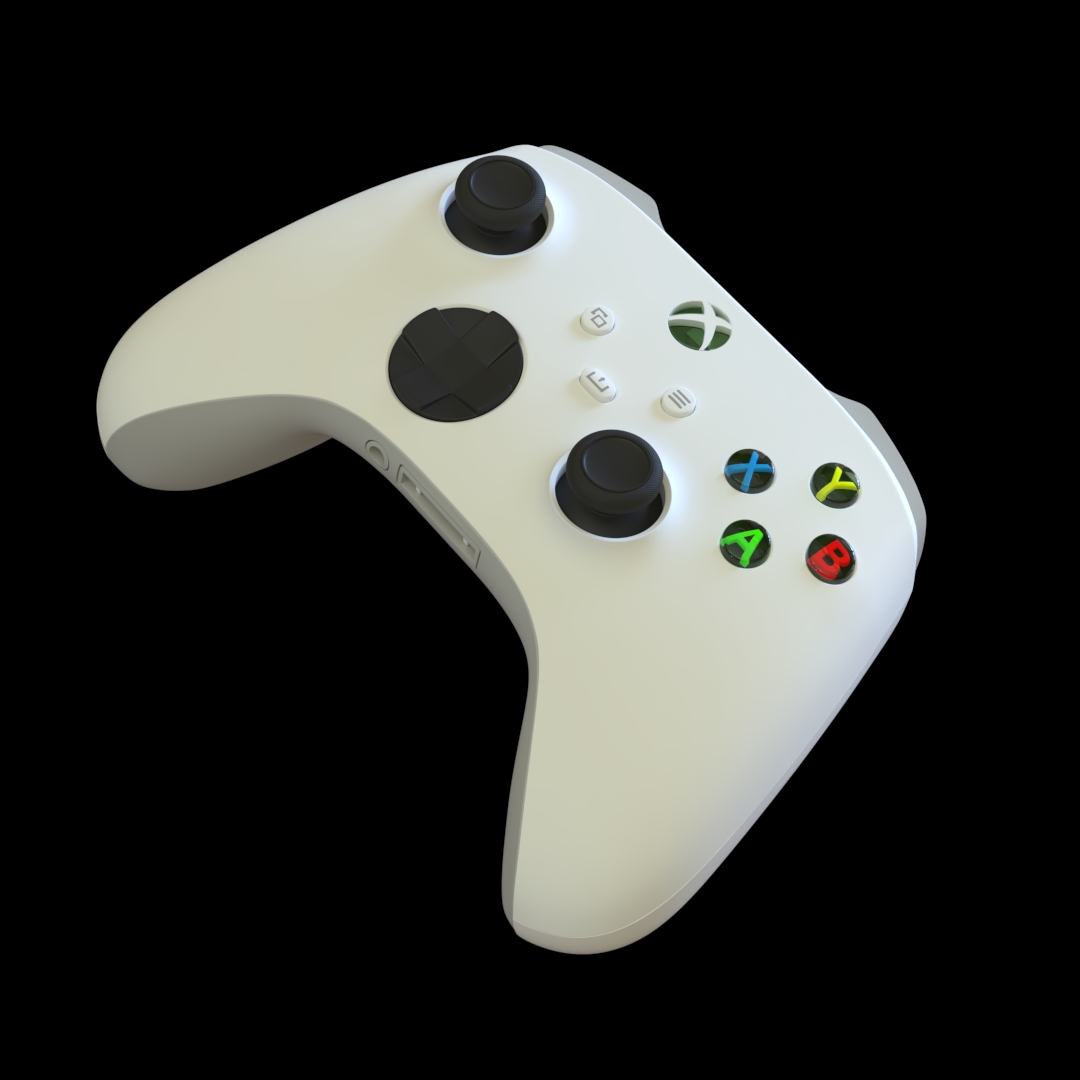
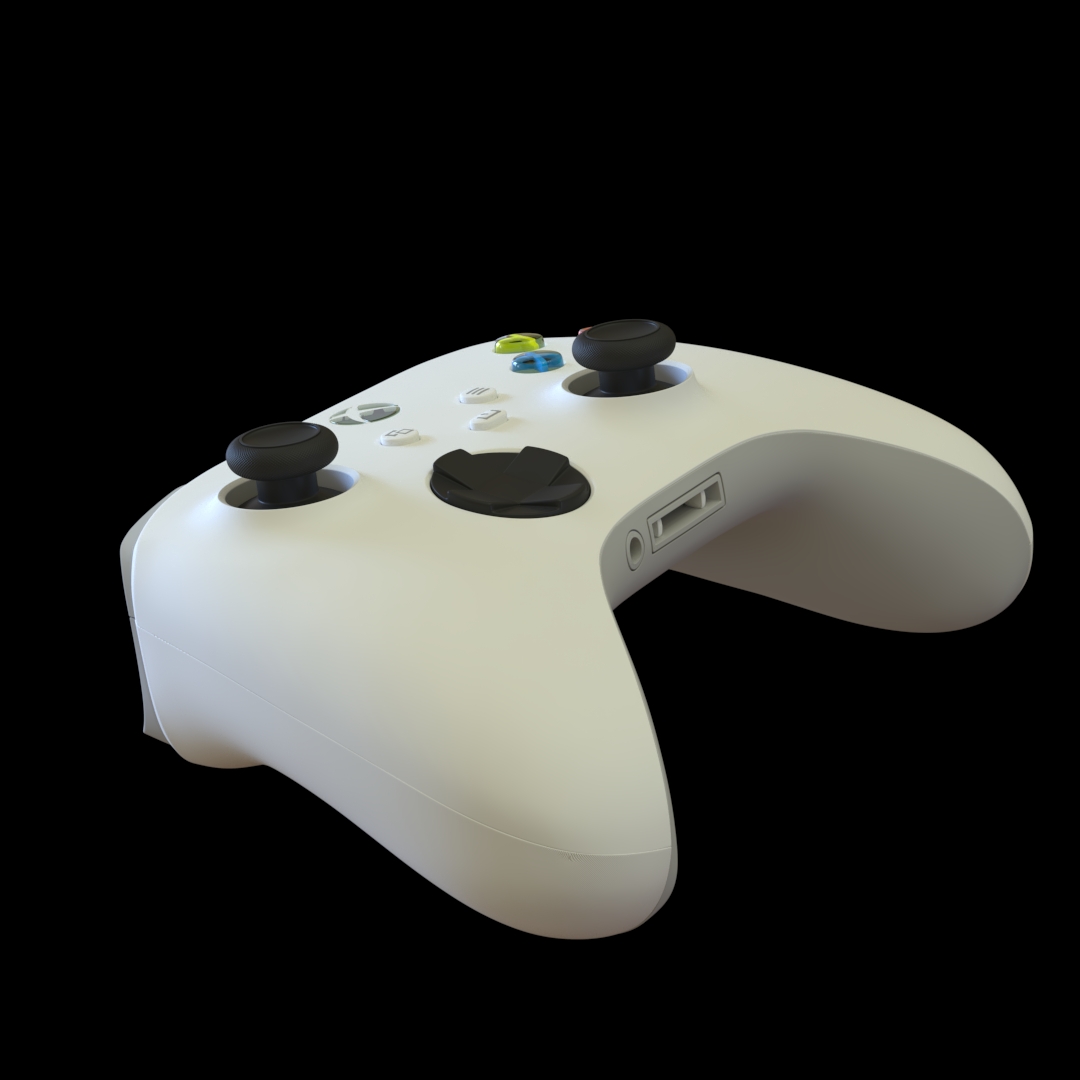
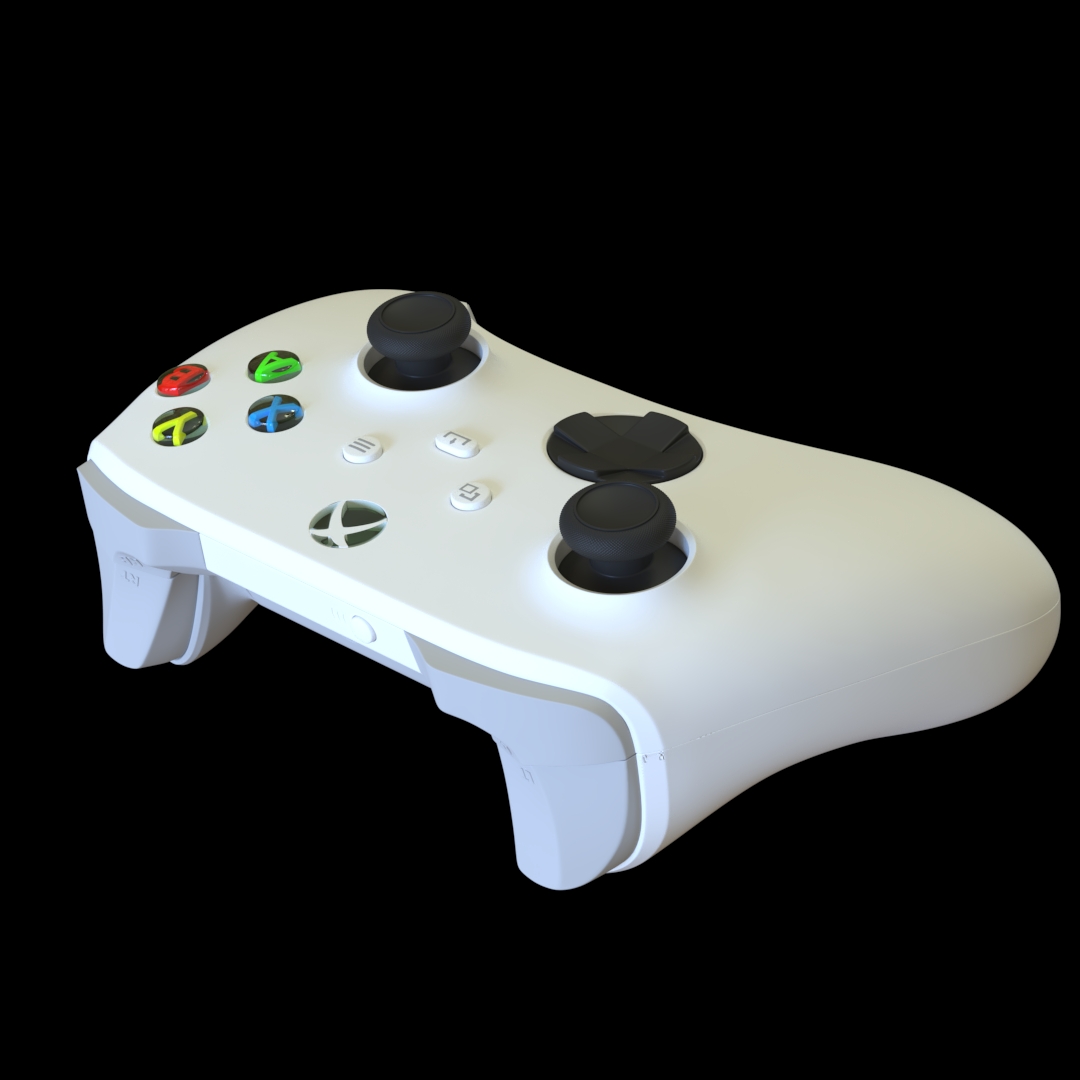
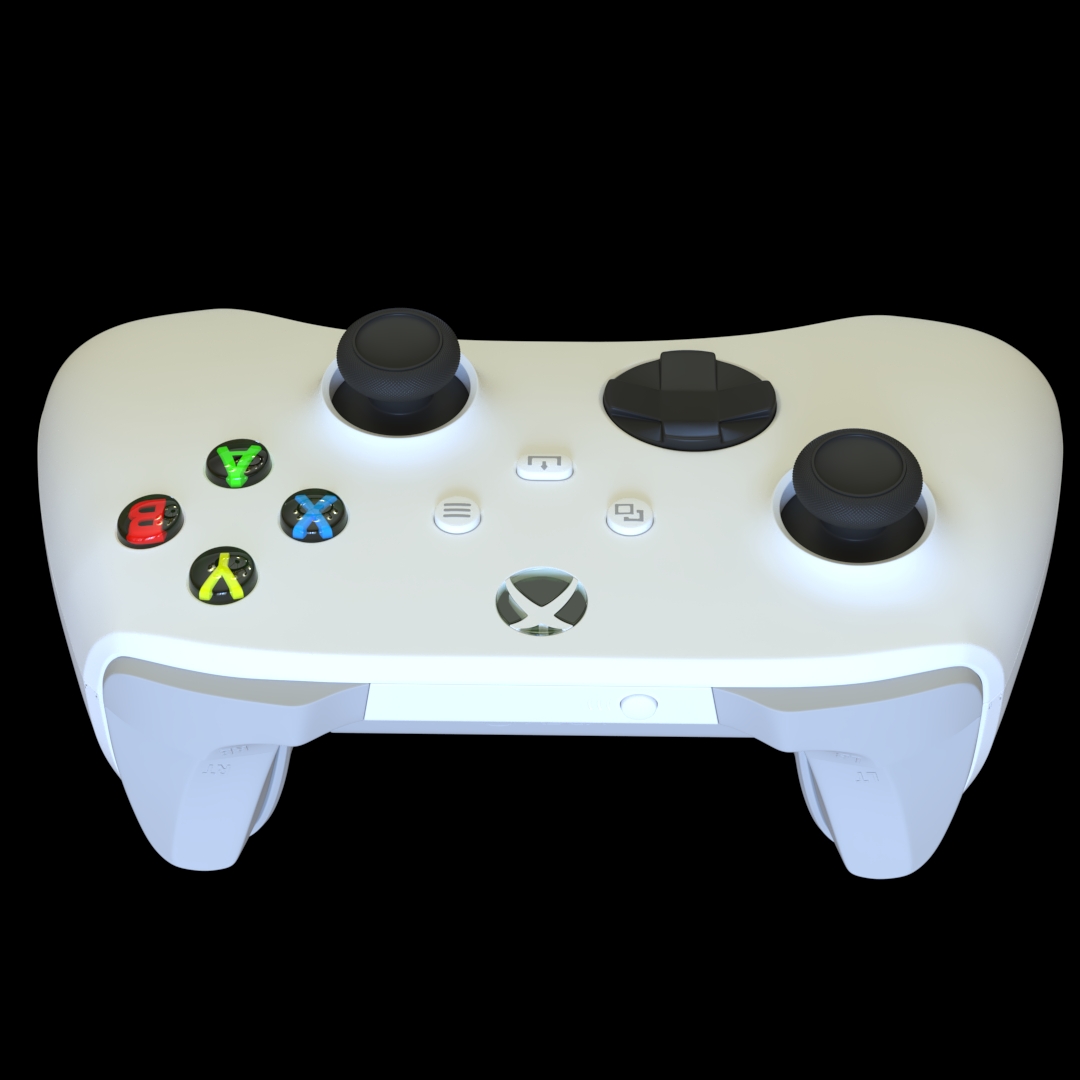
The Xbox Game Controller 3D model is a detailed digital representation of a modern video game controller designed for use in a variety of 3D projects. With its recognizable gamepad form, ergonomic shape and characteristic button layout, the model can be used as a practical asset for gaming environments, product visualization, interior scenes, animation, motion graphics, architectural visualization and personal 3D projects.
Game controllers are among the most recognizable objects associated with modern video games. Including an Xbox controller in a digital environment can immediately communicate that a scene is related to gaming, entertainment or interactive technology. Because this model focuses on the controller itself, it can be positioned independently from a console and used as a small environmental prop or as a primary object in a product-focused composition.
Xbox Controller 3D Asset
The Xbox Game Controller 3D model is particularly useful for artists who need a recognizable gaming accessory without spending additional production time modeling the object from scratch. It can be placed on desks, gaming tables, shelves, sofas, entertainment units or beside a television and monitor. This flexibility makes it suitable for both detailed environments and simple product-oriented scenes.
The controller can also be combined with other gaming-related assets to create a complete gaming setup. A desk, gaming chair, monitor, keyboard, mouse, headset, speakers and game console can be used alongside the controller to build a believable contemporary gaming environment. Small props such as controllers often provide important visual context and help transform an otherwise empty scene into a more convincing environment.
Gaming Room and Interior Visualization
One of the most useful applications for an Xbox controller 3D model is gaming room visualization. Modern gaming spaces often contain numerous electronic devices and accessories, and a controller can be an important part of that visual composition. Placing the controller naturally on a desk or near a television can suggest how the space is being used without requiring additional characters or narrative elements.
Interior artists can incorporate the model into bedrooms, living rooms, entertainment areas, gaming rooms and contemporary residential environments. It can be used as a secondary object in a wide-angle interior render or become a closer foreground element in a more detailed composition.
Xbox Gamepad for Product Visualization
Product visualization is another suitable application for this 3D asset. Game controllers are compact consumer electronics products with distinctive shapes and multiple physical components. A 3D model allows designers to create product-style renders from different camera angles without having to physically photograph the object.
The controller can be presented on a clean studio background, incorporated into a technology advertisement concept or used within a larger composition containing gaming equipment. Lighting and material settings can be adjusted according to the visual direction of the project, allowing the same asset to work in realistic, stylized or graphic scenes.
Hard Surface Modeling Reference
From a technical perspective, a game controller is an interesting hard-surface modeling subject. Its smooth ergonomic body contains multiple separate components, including analog controls, buttons, directional controls and other interface elements. These features make the object useful as a reference for artists learning how to model manufactured consumer electronics.
Creating convincing hard-surface assets requires attention to proportions, edge transitions, bevels, surface continuity and component placement. A controller provides examples of how these elements can work together to create a manufactured product with a clean and coherent appearance. The same modeling principles can be applied to smartphones, cameras, remote controls, keyboards, mice, headphones and other electronic products.
Game Development and Environment Design
Game developers and environment artists can use the Xbox Game Controller 3D model as a prop in virtual environments. It can appear in bedrooms, living rooms, gaming centers, electronics stores, entertainment spaces and other locations where gaming equipment would naturally be found.
Environmental storytelling often depends on small details. A controller left on a table can communicate that a room is used for gaming, while several controllers can suggest a multiplayer environment. These small visual cues can make virtual spaces feel more lived-in and provide additional context to the player.
Animation and Motion Graphics
The Xbox Game Controller 3D model can also be integrated into animation and motion graphics projects. Its recognizable silhouette makes it suitable for gaming-themed promotional sequences, technology presentations, animated advertisements and portfolio compositions.
The controller can be rotated, positioned and animated as part of a larger scene. It can appear alongside digital interfaces, gaming screens, typography or other electronic devices. Because the object is relatively compact, it can be used as a supporting element without overwhelming the overall composition.
Xbox Controller 3D Model Applications
- Gaming room visualization
- Game environment design
- Interior visualization
- Product rendering
- Technology presentations
- 3D animation
- Motion graphics
- Hard-surface modeling reference
- Portfolio projects
- Digital environment design
- Gaming-themed compositions
- Personal 3D projects
Build Detailed Gaming Environments
An Xbox controller can become a valuable component of a larger reusable 3D asset library. Combining the controller with desks, monitors, televisions, gaming chairs, headphones, speakers, keyboards and other accessories allows artists to create complete gaming environments more efficiently.
Maintaining a collection of reusable consumer electronics can significantly reduce repetitive modeling work. Instead of recreating common objects for every project, artists can focus their time on composition, lighting, materials, animation and environment design. A controller is a relatively small asset, but its recognizable form can add considerable contextual value to a scene.
Download Xbox Game Controller 3D Model
This Xbox Game Controller 3D model is a practical digital asset for artists working on gaming, technology, entertainment and visualization projects. Its standalone design allows it to be used independently from a console and integrated into a wide range of environments and compositions.
Whether it is used as a small environmental prop, part of a complete gaming setup, a product visualization asset, a hard-surface modeling reference or an element within an animation, the Xbox Game Controller can add recognizable detail to a 3D scene. Add this gaming accessory to your digital asset library and use it in your next visualization, game environment, animation or creative 3D project.




Reviews
There are no reviews yet.